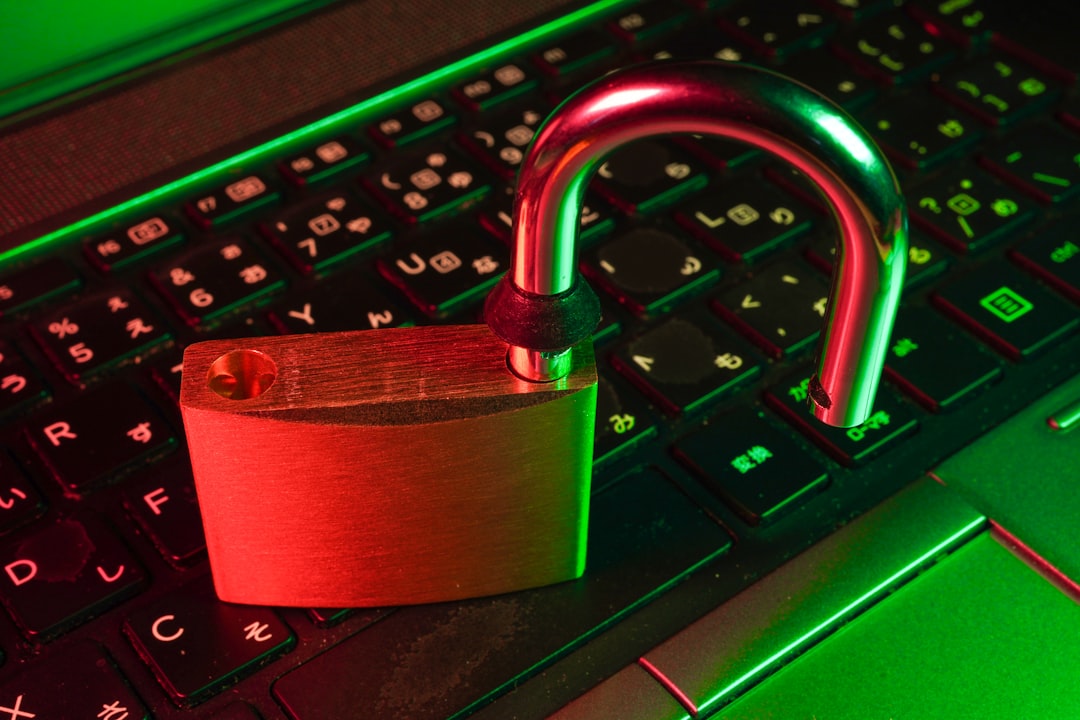
If you have encountered an online scam, reporting it quickly and preserving the right evidence can help protect your accounts, support payment recovery, and give investigators or platforms a clearer record. This step-by-step online scam report checklist explains what to save, where to report different types of fraud, and what to do before deleting messages or contacting the person behind the scam.
Overview
There is no single reporting destination for every scam. The best route depends on what happened: money may have been taken through a bank or payment service, credentials may have been collected through phishing, personal information may have been misused, or a marketplace account may have been involved.
Start by treating the incident as both a safety problem and a documentation problem. Do not continue negotiating with the scammer, click additional links, or send more information to “verify” your identity. If an account, device, or payment method may be compromised, secure it through a trusted app, official website, or verified telephone number—not through contact details in the suspicious message.
A useful reporting sequence is:
- Stop the interaction. Do not pay again, reply, or open more attachments.
- Preserve evidence. Save messages, addresses, receipts, URLs, account details, and timestamps.
- Contain the damage. Contact the bank, card issuer, payment provider, email provider, or affected platform.
- Report the incident. Use the relevant platform, financial institution, consumer protection body, cybercrime reporting channel, or local law enforcement route available in your jurisdiction.
- Monitor for follow-up abuse. Scammers may return with fake refunds, recovery offers, or additional impersonation attempts.
If there is an immediate threat to your physical safety, extortion involving intimate material, or a risk of ongoing financial loss, prioritize emergency or local law-enforcement assistance and your financial provider’s fraud team.
Checklist by scenario
Use the scenario that most closely matches what happened. More than one route may apply.
| Scenario | Save this evidence | Report or contact |
|---|---|---|
| Payment fraud or unauthorized transfer | Transaction records, confirmation numbers, recipient details, dates, and related messages | Bank, card issuer, payment app, money-transfer service, and the relevant official fraud-reporting channel |
| Phishing email or text message | Original message, sender address or number, full URL, headers where available, and screenshots | Email or messaging provider, impersonated brand, domain host when appropriate, and an official cybercrime or consumer-protection reporting channel |
| Identity theft or account takeover | Login alerts, changed-account notices, unauthorized activity, recovery emails, and a timeline of events | Affected service, financial institutions, identity or credit monitoring providers where relevant, and local or national identity-fraud reporting resources |
| Marketplace or social media scam | Listing URL, seller profile, chat history, payment proof, shipping claims, and profile identifiers | Marketplace or social platform, payment provider, and the appropriate consumer-protection or law-enforcement channel |
| Brand impersonation or fake support | Caller ID, phone number, website address, advertisements, invoices, chat logs, and the genuine brand being impersonated | Impersonated company, advertising or platform operator, payment provider, and the relevant fraud-reporting authority |
Evidence-preservation checklist
- Record the date, time zone, and sequence of events while the details are fresh.
- Copy the exact website address, including unusual subdomains, spelling, or tracking parameters.
- Keep original emails where possible instead of relying only on screenshots. Export or forward them using the provider’s reporting function if available.
- Capture the scammer’s username, profile URL, phone number, email address, payment handle, wallet address, or other identifier.
- Save receipts, bank statements, order numbers, invoices, shipping information, and confirmation pages.
- Write down what information you disclosed, such as a password, one-time code, identity document, card number, or recovery answer.
- Store the evidence in a separate, secure location. Do not upload sensitive documents to an unverified “recovery” service.
For a suspicious website, do not revisit it just to collect more evidence. If you need to understand the domain’s warning signs, use a trusted device and a safe research process. The website safety check guide covers ways to investigate a suspicious domain before visiting it.
What to double-check
Use an official contact route
Find the bank, platform, or brand through a known-good app, saved bookmark, statement, or manually typed official domain. Do not use a telephone number, QR code, or “support” link supplied by the suspected scammer. This is especially important after a phishing incident, when follow-up messages may imitate a fraud department or account-recovery team.
Separate reporting from recovery
A report creates a record; it does not guarantee that money or data will be recovered. Contact the payment provider separately and ask what protective steps are available. Depending on the situation, that may include replacing a card, stopping a transfer if still possible, changing account credentials, revoking sessions, or documenting an unauthorized transaction.
If you entered a password on a suspicious site, change it from a trusted device and change it anywhere else that used the same password. Turn on multi-factor authentication where available. For a broader account and identity response, use this account recovery and identity protection checklist.
Check that the report includes the core facts
Before submitting, confirm that the report answers five basic questions: What happened? When did it happen? Which account, device, platform, or payment method was involved? What information or money was exposed? What action have you already taken? Keep the confirmation number, submission date, and any follow-up instructions.
Protect other people without spreading the scam
If the scam targets coworkers, customers, family members, or a community, warn them through a trusted channel. Do not repost active malicious links or publish private information in the name of exposing the scam. Share the sender identity, general tactic, and safe verification steps instead. Guidance on identifying fake emails, texts, and brand impersonation is available in this phishing scam warning guide.
Common mistakes
- Deleting everything immediately: Removing the message may also remove useful evidence. Save a copy first, then block or report the sender.
- Continuing the conversation: Replies can confirm that your address or number is active and may expose more information.
- Paying a recovery scammer: Anyone promising guaranteed recovery in exchange for an upfront fee, crypto payment, gift card, or remote access deserves strong suspicion.
- Assuming a familiar logo proves legitimacy: Logos, caller ID, sender names, and copied websites can all be forged. Verify through an independent official channel.
- Reporting only to the platform: A marketplace or social network report may be necessary, but it may not address payment fraud, identity theft, or account compromise.
- Using the same compromised device for sensitive recovery: If malware or remote-access software may be involved, disconnect it as appropriate and seek trusted technical assistance before entering new credentials.
- Sharing excessive personal data in a report: Provide relevant facts, but use the reporting portal’s instructions and avoid sending unnecessary identity documents or passwords.
When to revisit
Return to this checklist whenever a new scam appears, a previously reported incident develops, or a service changes its reporting process. Scam campaigns often reuse the same infrastructure across email, text, websites, social media, and phone calls, so a second message may be related to the first incident.
Review your notes after submitting a report and update the timeline if you receive new messages or discover additional unauthorized activity. Recheck affected accounts for unfamiliar sessions, forwarding rules, recovery addresses, payment methods, and connected applications. A regular online privacy audit can also help identify exposed accounts and unnecessary tracking or access.
Before seasonal shopping periods, major travel, tax or benefits deadlines, and other high-volume online activity, refresh your knowledge of the platforms and payment services you use. Reporting links, forms, and verification workflows can change, so use current instructions from the organization involved rather than relying on an old bookmark. The practical rule is simple: stop contact, preserve evidence, secure the account or payment method, report through trusted channels, and keep monitoring until the incident is resolved.